Menos burocracia. Mais foco no cliente. Quantas horas o seu escritório perde hoje organizando prazos, revisando contratos padrão e buscando jurisprudência? O Claude chegou para ser o braço direito do advogado moderno. Por que o Claude é diferente? Interpretação Avançada: Ele entende o contexto do direito, identificando nuances em legislações complexas de forma clara. Análise Comparativa: Insira dois contratos ou peças e peça para o Claude destacar as diferenças e os riscos de cada cláusula imediatamente. Adaptação de Linguagem: Transforme termos jurídicos pesados ( juridiquês ) em relatórios simples para os seus clientes entenderem o andamento do processo. O futuro da advocacia é mais estratégico e menos repetitivo. Comece a usar o Claude hoje mesmo e ganhe mais eficiência na sua rotina jurídica.
Google's Android Device Manager makes it extremely easy to track down your phone or tablet, but while it's simple to set up and use, it does require your device to have an active data connection, which can be an issue in some areas.
SMSLocator, by T3KBAU5, works a little differently. Instead of sending your location over mobile data, it can send your exact GPS location by SMS. Other apps (like Cerberus) usually charge for this functionality, but for the rest of us cheapskates, this is a great alternative.
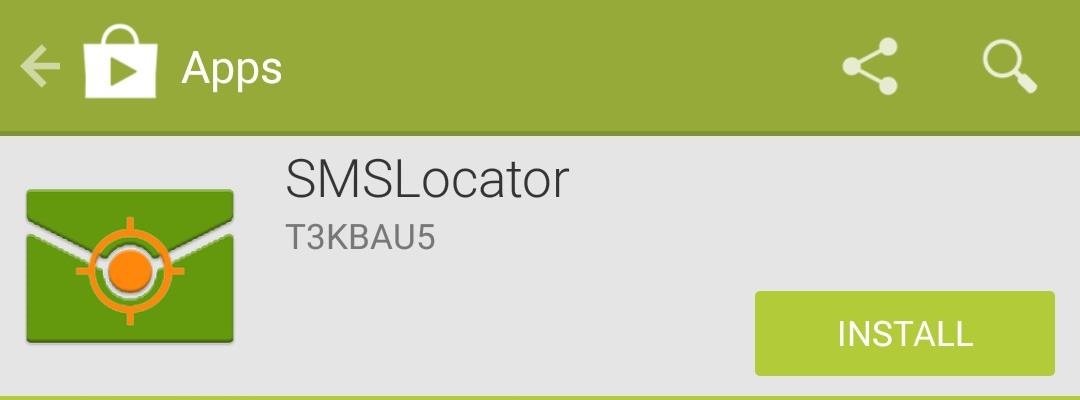
Step 1Install SMSLocator
SMSLocator can be downloaded directly from Google Play. There is also the option to buy a premium license for $1.38, which includes some additional SMS commands, but I'll be sticking with the free version for this guide.
Step 2Create Your PIN & Keyword
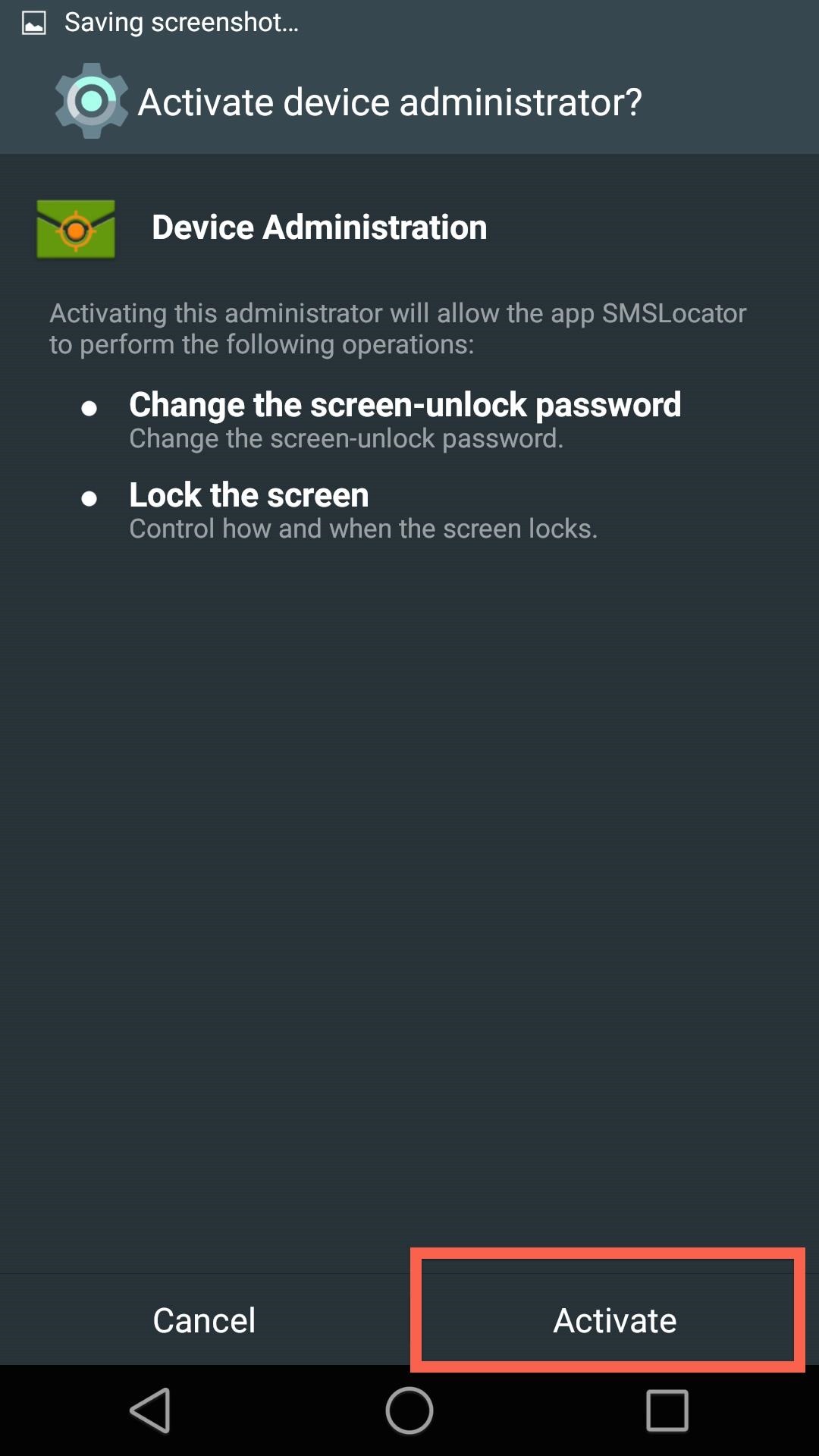
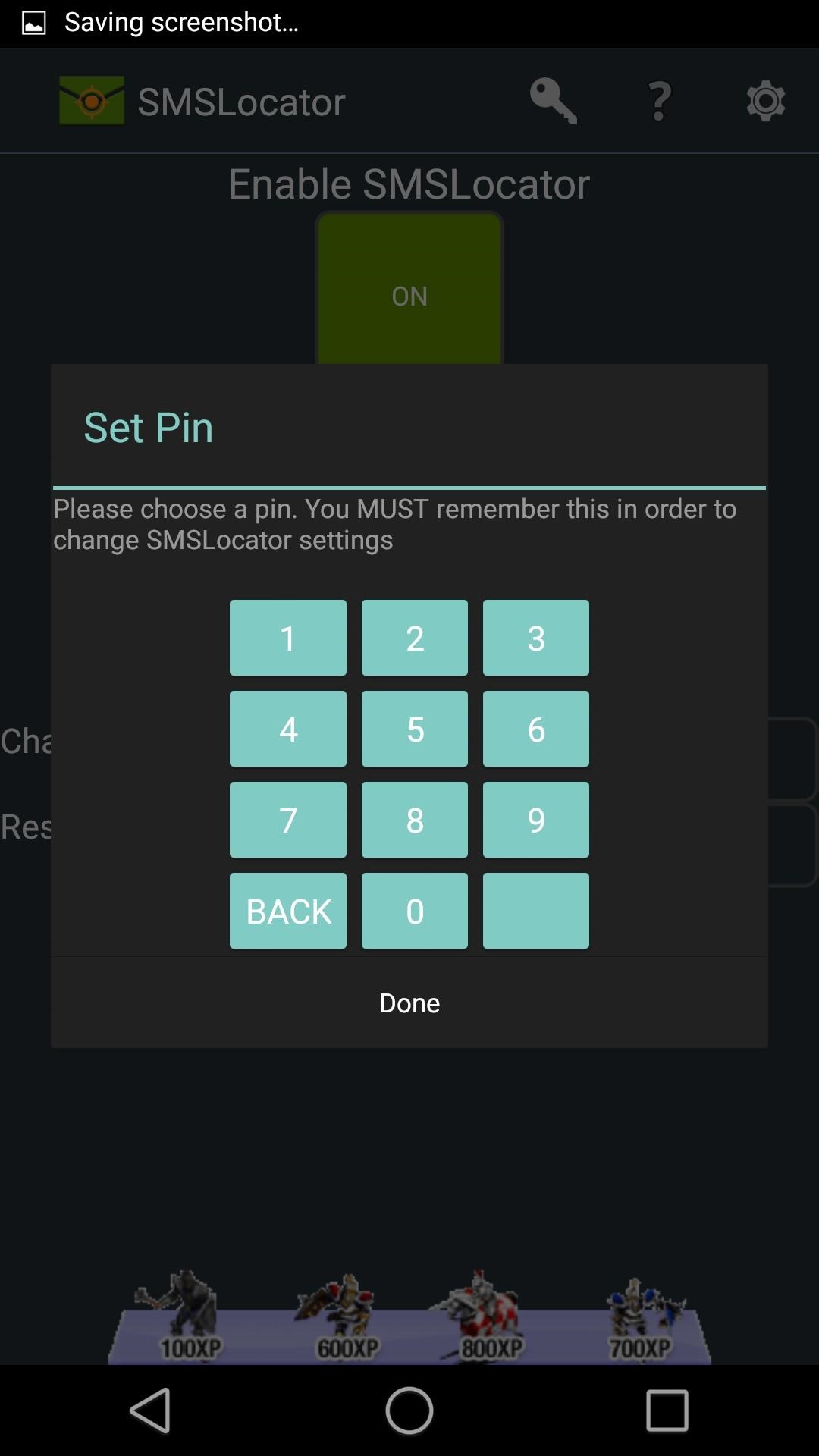
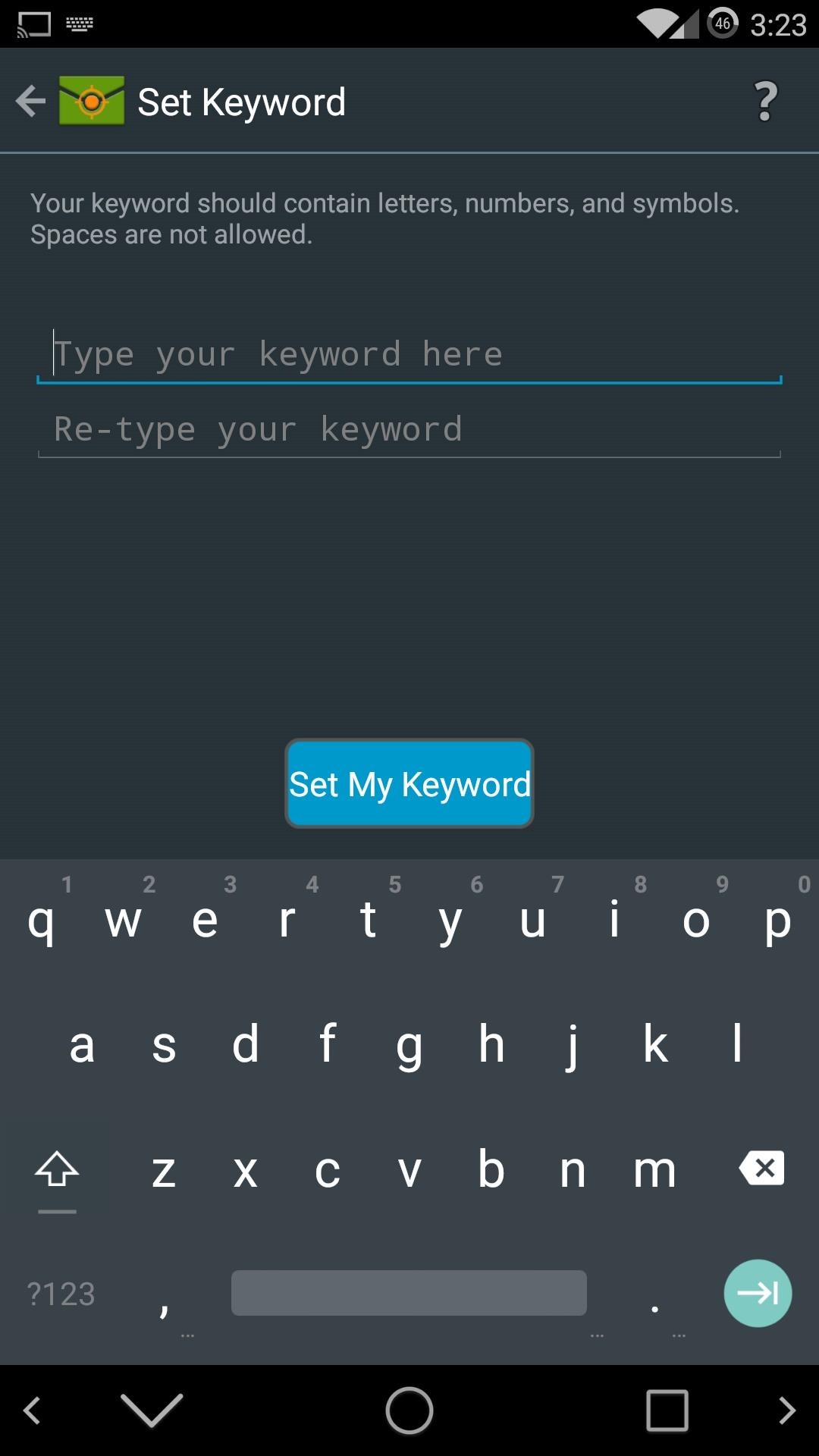
Before you can get the app working, you will need to activate it as a Device administrator. After that, you will be free to set up your PIN and Keyword. The PIN must be all numbers, and the keyword can be a combination of letters and numbers.
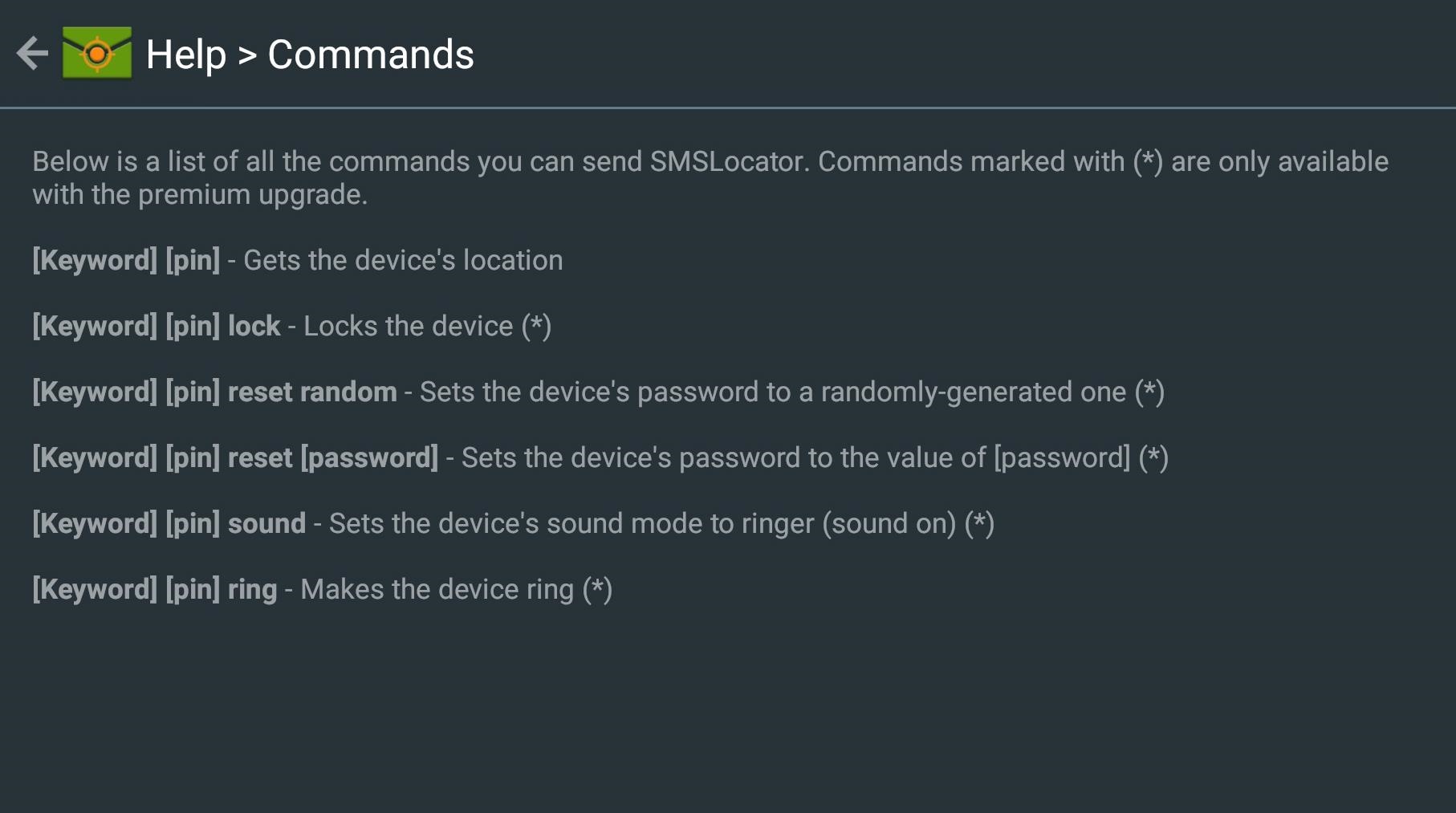
Now, to get your device's location sent to another phone, you will have to send an SMS to the device's phone number with only the keyword and pin. Below is a list of all the commands that you can use with SMSLocator (the commands marked with an "*" are only available with the premium upgrade).
Step 3Restrict Numbers
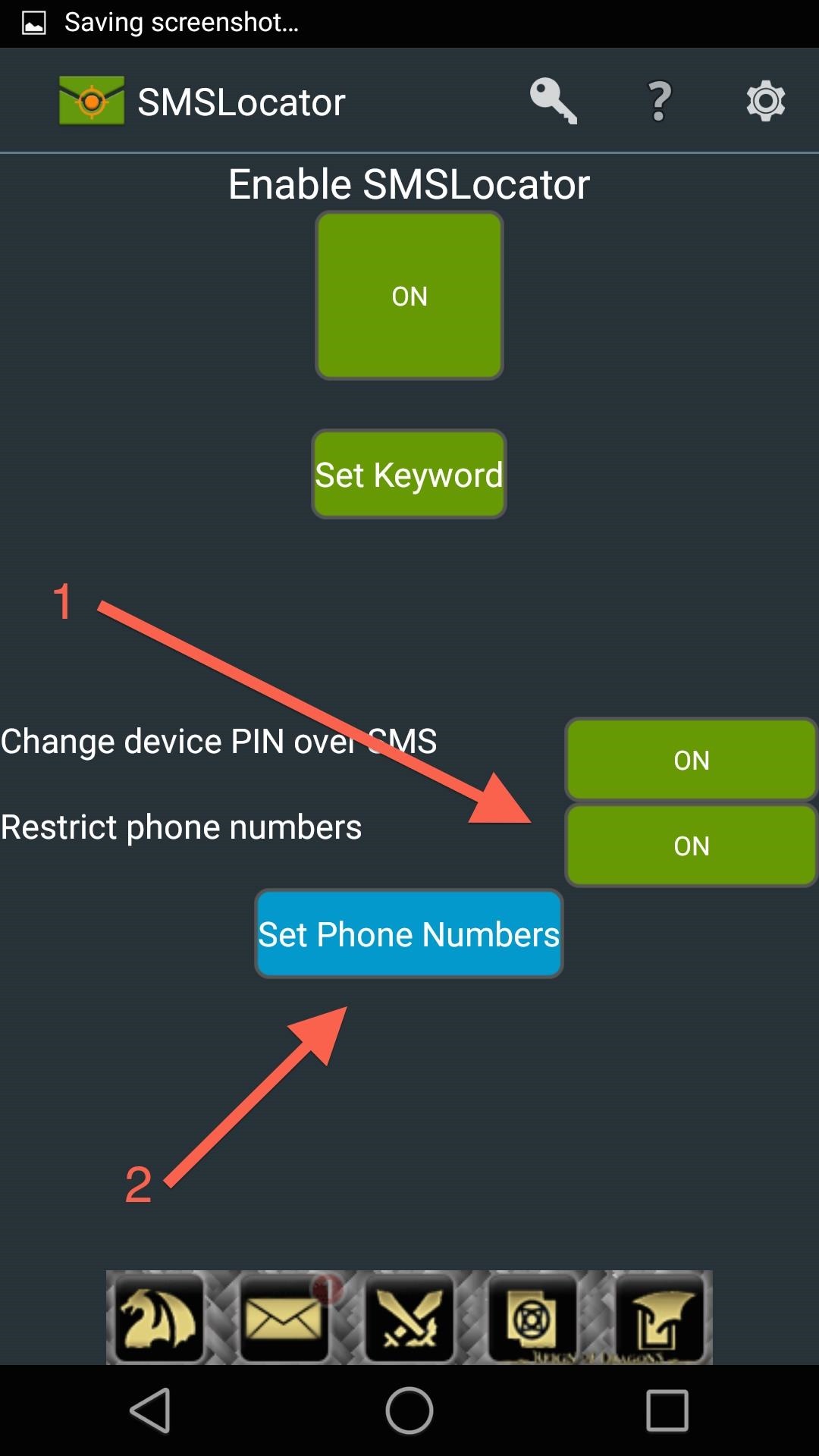
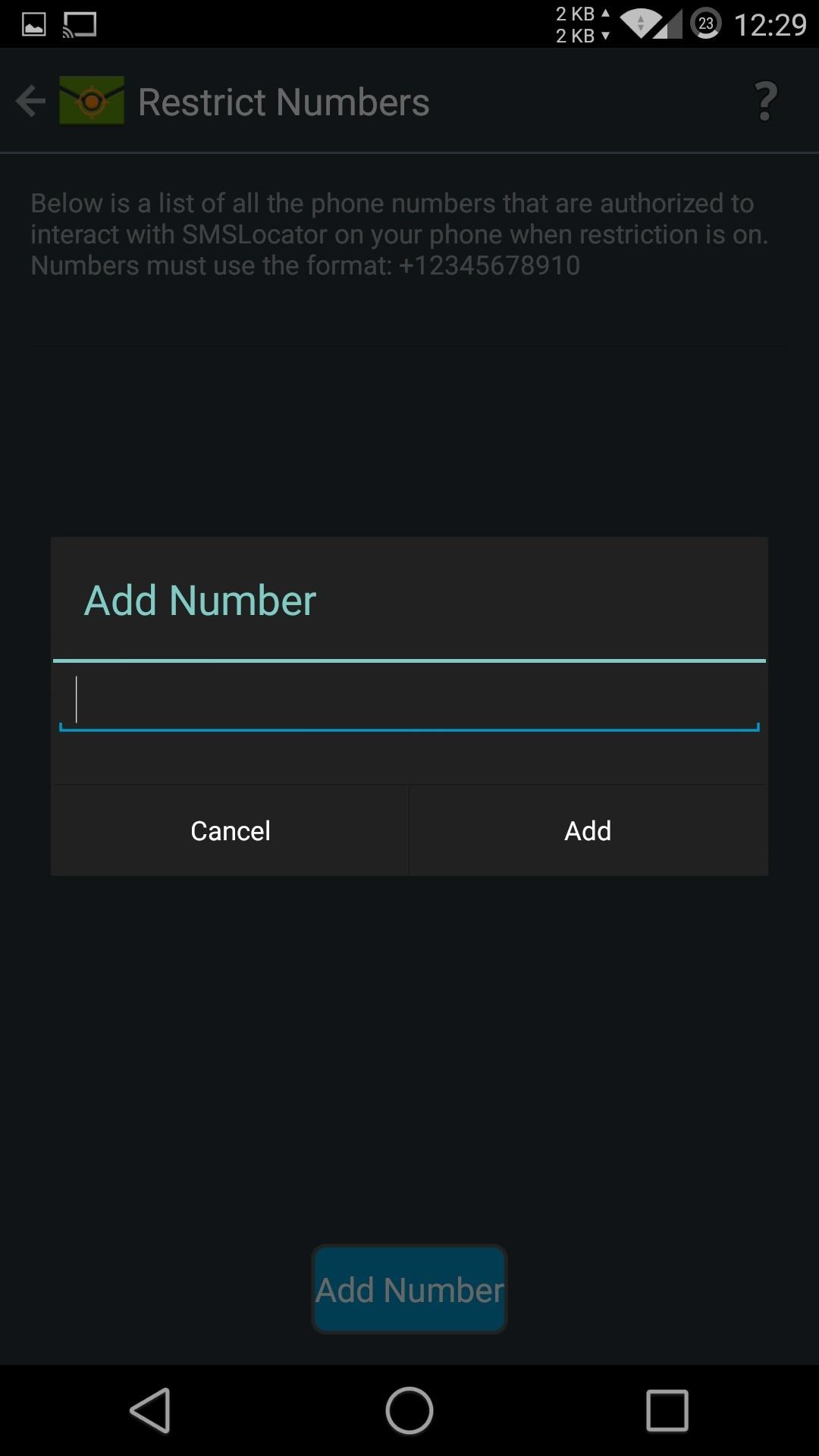
If you are the overprotective type, you can set up which numbers have access to SMSLocator. To do that, enable Restrict phone numbers, then tap Set Phone Numbers. From there you can add as many numbers as you want. Once set up, only numbers that are on that list will be able to receive your device's location.
Step 4Find Your Lost Phone
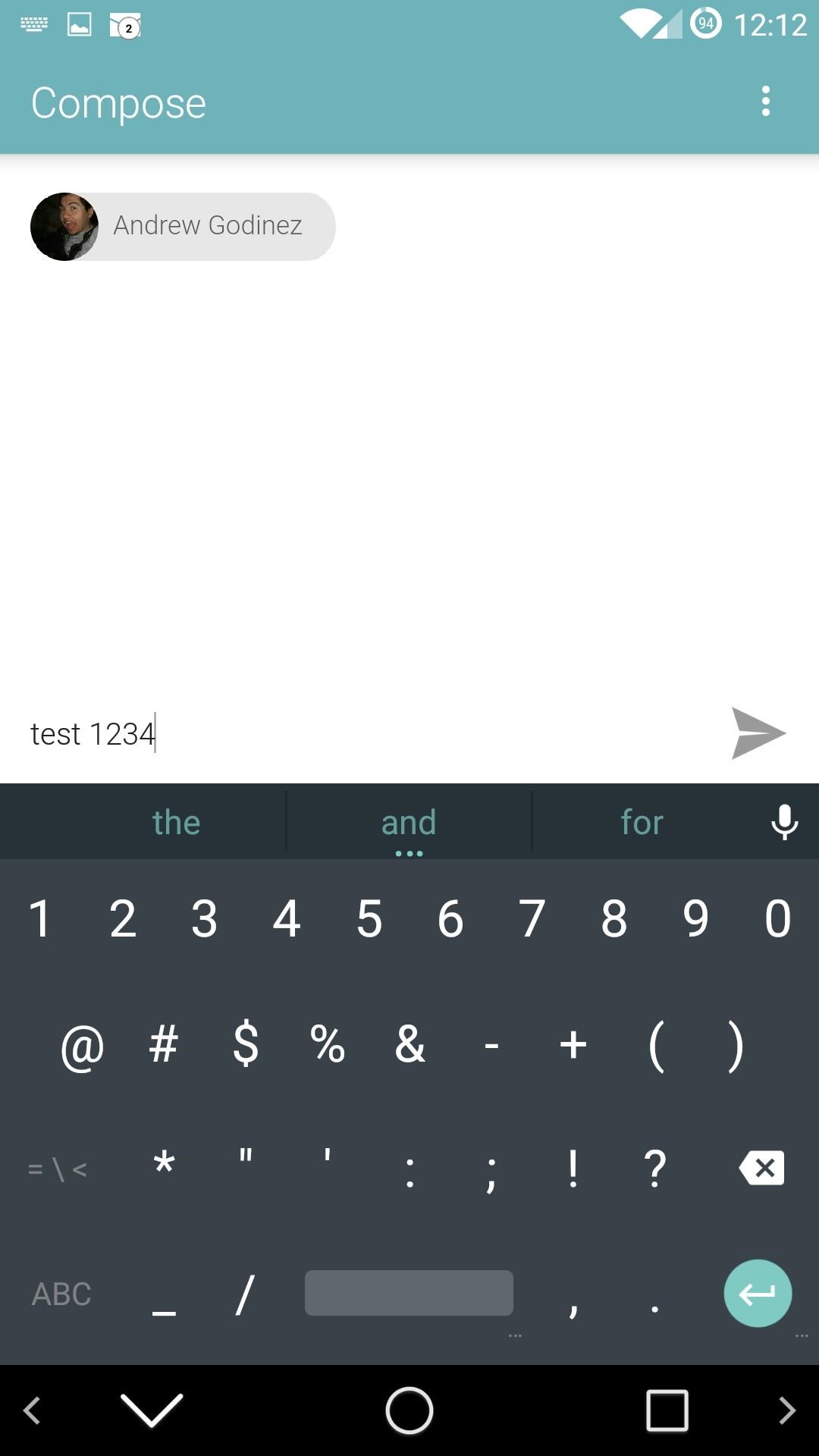
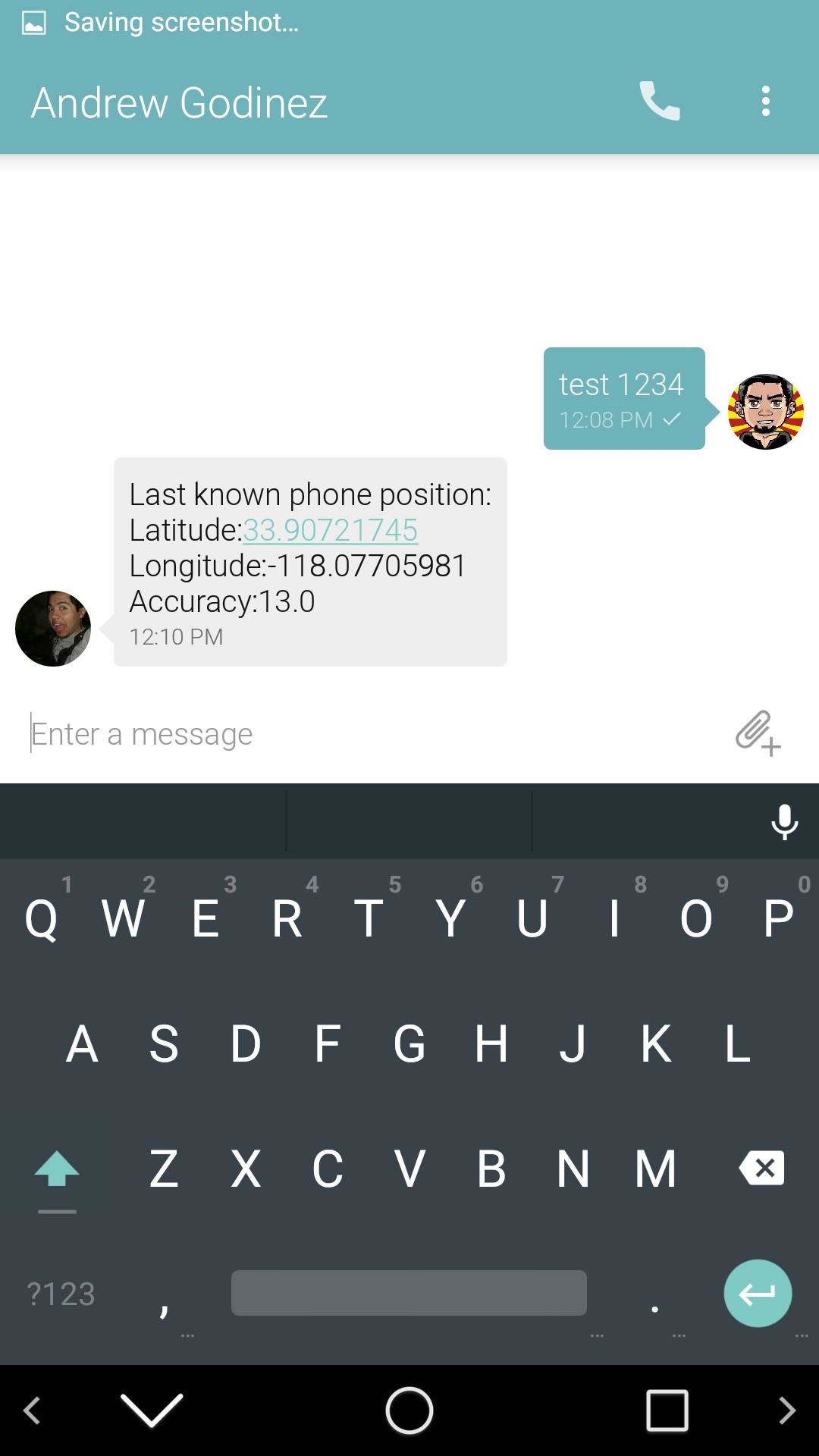
To actually get your device's location, send an SMS text message to the device's phone number with only the keyword and PIN. The return message should have your phone's last known position in latitude and longitude.
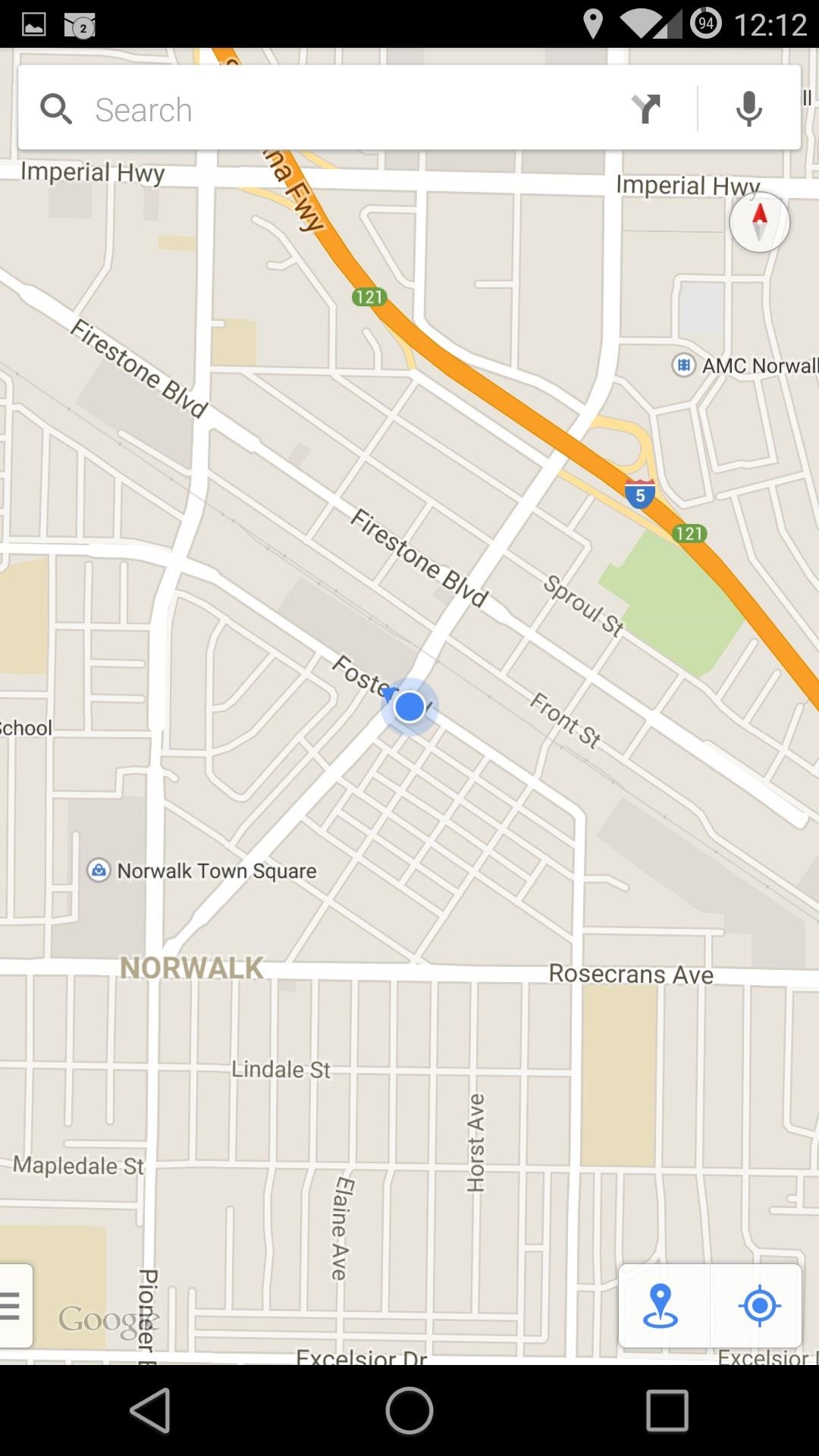
With the paid version, you'll get a direct link to Google Maps, but in the free version, you'll have to copy/paste the coordinates and enter them into Maps yourself to find the exact location.
While this app will not replace a full featured suite like Cerberus, it does offer a lightweight and free alternative that's a little bit better than Google's stock offering. If you run into any issues or cannot get your location sent out, be sure to leave me a comment below.
Keep Your Connection Secure Without a Monthly Bill. Get a lifetime subscription to VPN Unlimited for all your devices with a one-time purchase from the new Gadget Hacks Shop, and watch Hulu or Netflix without regional restrictions, increase security when browsing on public networks, and more.


Comentários
Postar um comentário