Pular para o conteúdo principal

Compartilhe

🔍 No mundo dos negócios, informação é poder

🚨 Você sabe com quem está se conectando? 🔍 No mundo dos negócios, informação é poder — e OSINT & Due Diligence são suas melhores armas! 💼 Se você quer proteger sua empresa, tomar decisões estratégicas com segurança e evitar surpresas desagradáveis... A hora de agir é AGORA. 📊 Eu ajudo empresas a transformar dados em inteligência. 📌 Compliance, reputação, riscos ocultos — tudo mapeado com precisão. 👉 Me contrate e leve sua estratégia para outro nível. 📩 DM aberta para parcerias, consultorias e projetos personalizados. #OSINTBRASIL #Compliance #DueDiligence #InteligênciaEmpresarial #RDSWEB #DecisãoInteligente #investigacaodefensiva #OSINT #opensourceintelligence

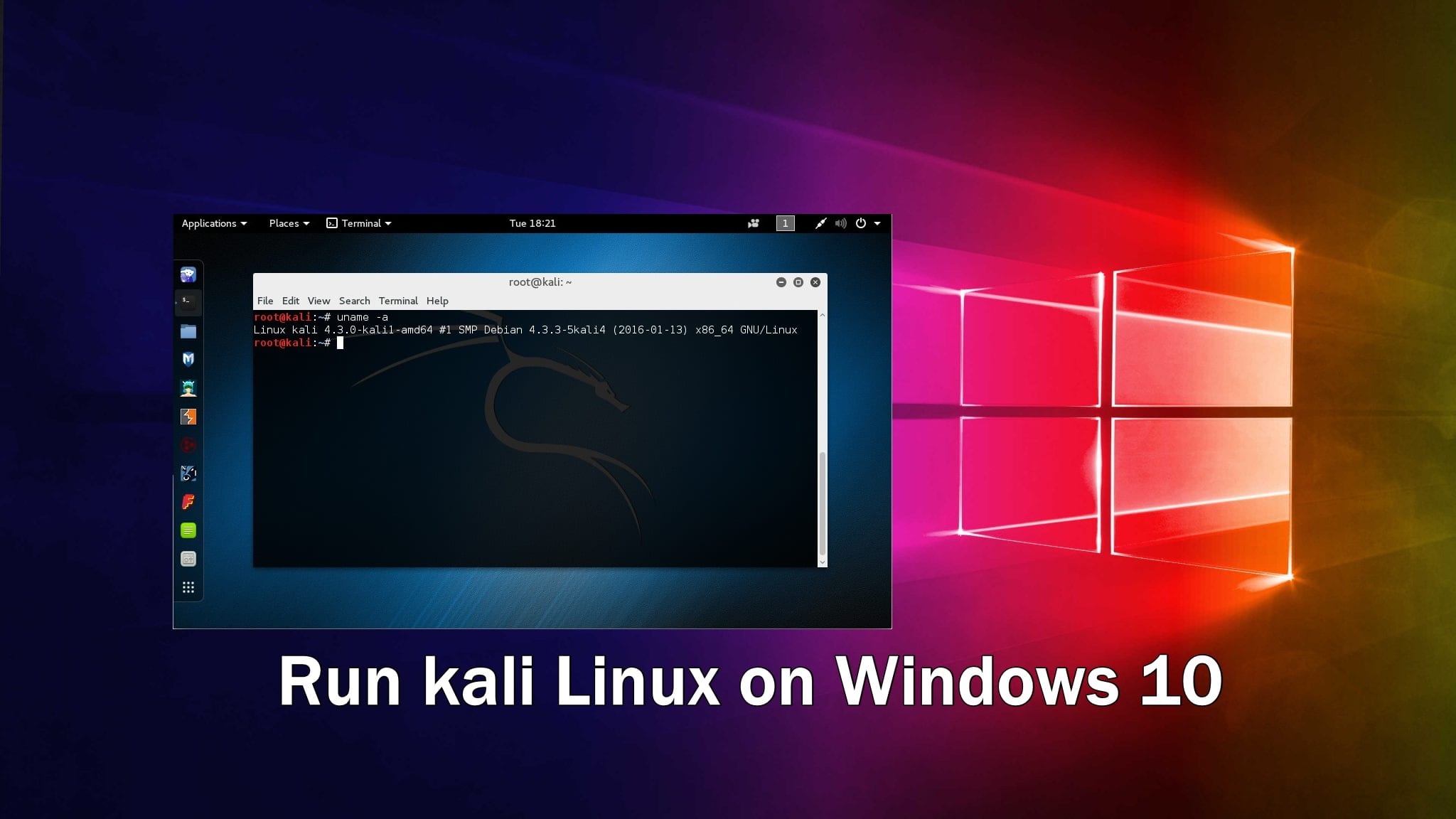
Execute o kali Linux no Windows 10 no Docker

Run kali Linux on Windows 10 in Docker

 2

How to run Kali Linux in Docker on Windows 10

A lot of people use Linux. A lot of people use Windows. A lot of people come in the over lap and use both Linux and Windows on the same machine. Until now, the ways to do this , was either by using a virtual machine or by dual booting the two OSes on the machine. Both these methods have their pros and cons. However, with Windows 10, Microsoft has introduced a third method for running multiples OSes – by using containers and in this article, we’ll go through the steps required to achieve this.
Step 1: First thing that you need to do, is enable containers. For this, open the Run dialog box by hitting the Windows key+R ,type optionalfeatures and hit enter.
Step 2: In the dialog box that appears, make sure the Containers option is checked.
Step 3: Once done, you will need to install the docker. Install the stable channel Windows MSI.
Step 4: Once the installation completes, you will need to log off and log in once. When you log in, you should get the message Docker is starting…
Step 5: We’ll be using Kali Linux in our example. Open up the Command Line Interface(CLI) of your choice and enter docker pull kalilinux/kali-linux-docker. This will pull the image from the docker store.
Step 6: Now, we will enter an interactive bash session by typing docker run -t -I kalilinux/kali-linux-docker /bin/bash. This installation is supposed to be minimal, so do be sure to get all the packages you really want.
Step 7: In the last step, we shall install the go-to for most pentester – Metasploit by using the command apt install metasploit-framework ruby
Step 8: Start up the PostgresSQL database that Metasploit uses , initialize it and to msfconsole we go.

Comentários

Como usar um Agente OSINT IA

Pericia Digital

Ebook

Postagens mais visitadas